


Zero-Touch features for AI-driven field service management
Manage your field service teams with AI-supported features that prepare jobs, support scheduling decisions, and keep workflows moving. Deliver faster service, eliminate admin work, and give customers a seamless experience from request to completion.
Zero-Touch FSM scheduling
Automated dispatching
Automated dispatching
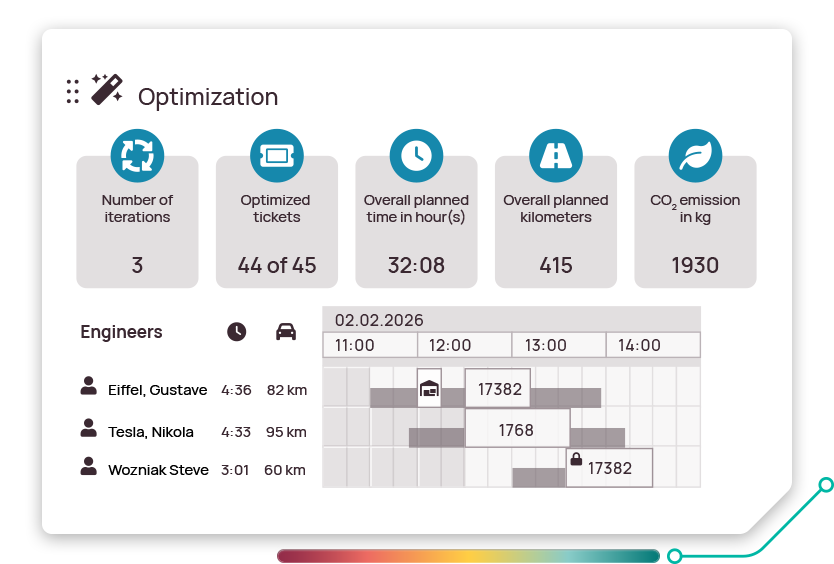
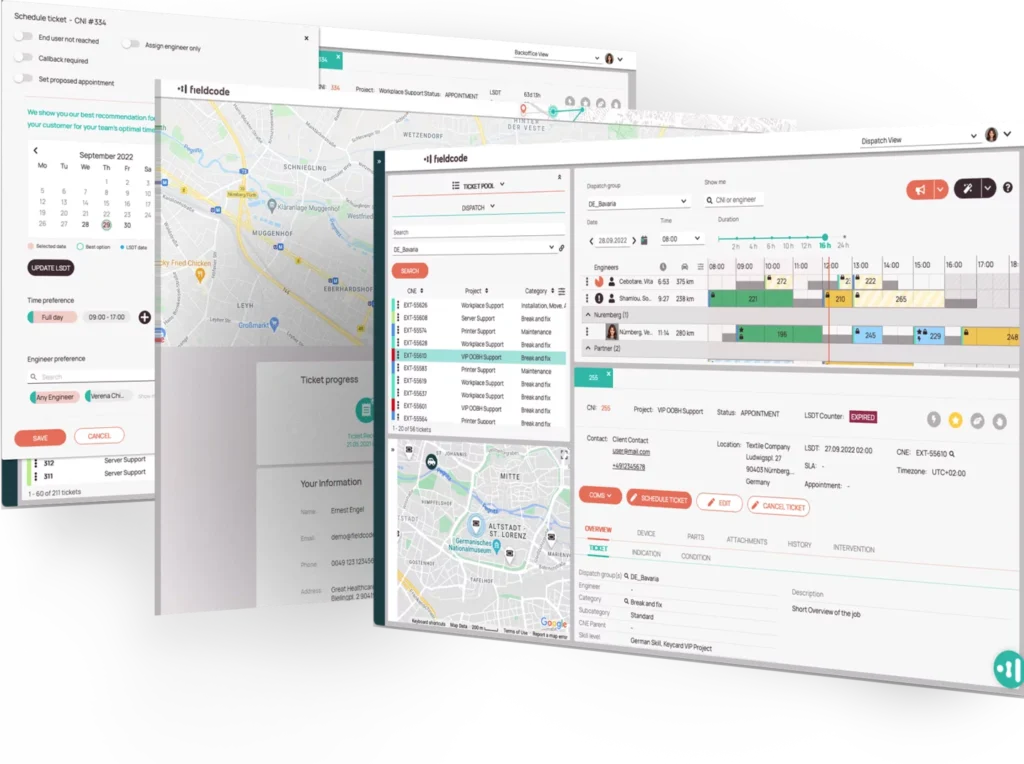
Every ticket is dispatched automatically with AI-supported scheduling logic that checks skills, location, availability, and efficiency before assigning the right engineer. The Engineer Efficiency Factor adds technician-specific performance data, helping keep schedules balanced and customers served without delay.
Route optimization
AI-supported route optimization
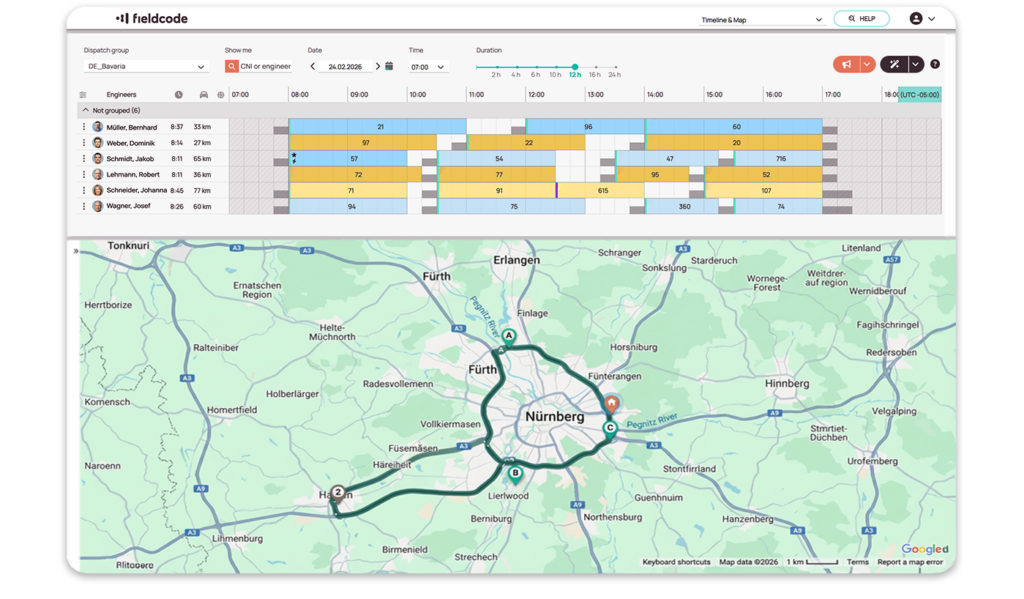
Routes recalculate automatically with travel time, SLAs, real-time traffic, and parts pick-up and drop-off built in. AI helps assess route impact before schedules change, so technicians can follow a faster, more efficient route throughout the day.
LEARN MORE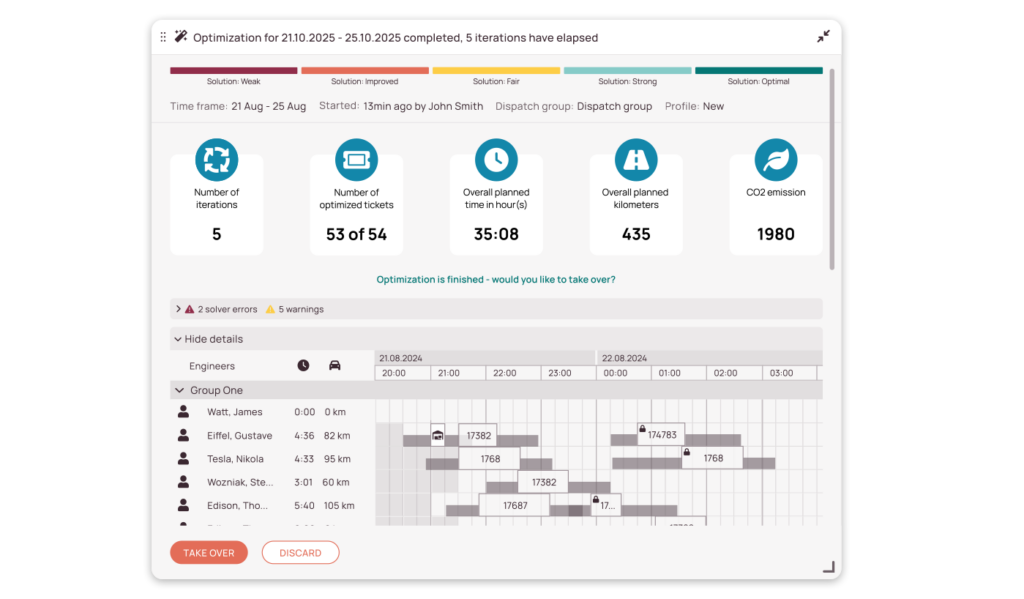
Customer portal
Customer portal
Every appointment is managed automatically, easily, and on your customer’s terms. Customers book, reschedule, or cancel online, get instant updates, and see real-time technician status – all without your team lifting a finger.
LEARN MORE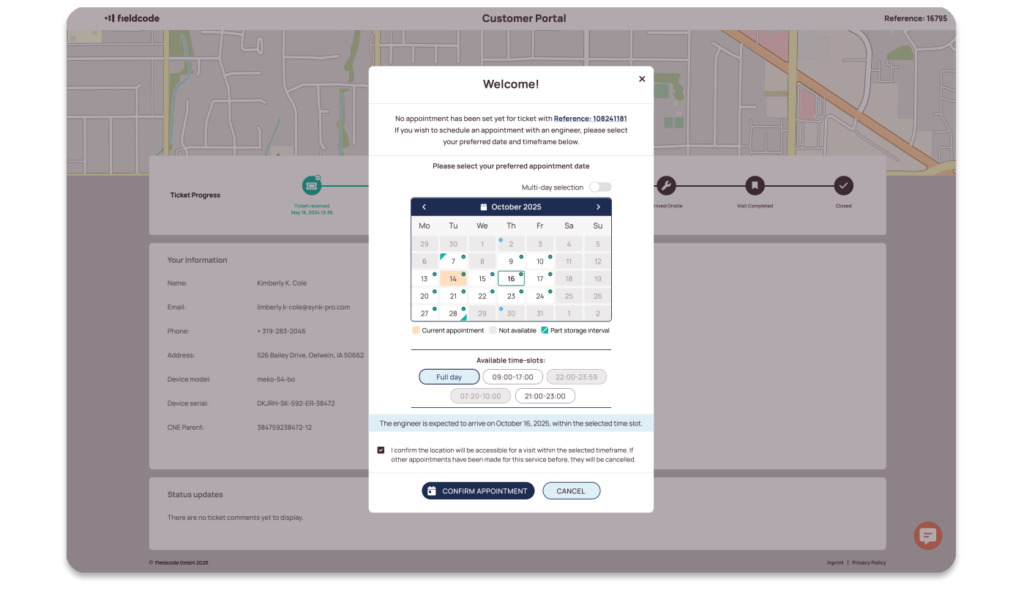
Guided mobile workflows
Guided mobile workflows
Technicians never miss a step. The mobile app guides technicians through assignments, status updates, parts, reporting, and instructions in real time – online or offline – so jobs finish right the first time.
LEARN MORE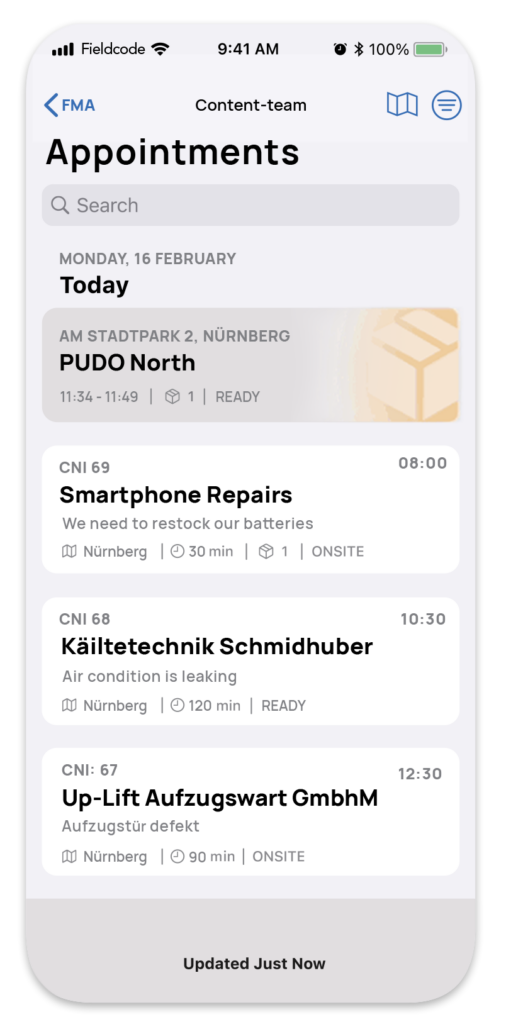
Zero-Touch FSM ticket creation
Voice AI agents

Voice AI agents
Every service call is handled automatically, and around the clock. Fieldcode voice AI agents speak naturally with customers, create and update tickets, confirm or reschedule appointments, and keep service moving – even while you sleep.
LEARN MOREPredictive maintenance
AI-driven predictive maintenance
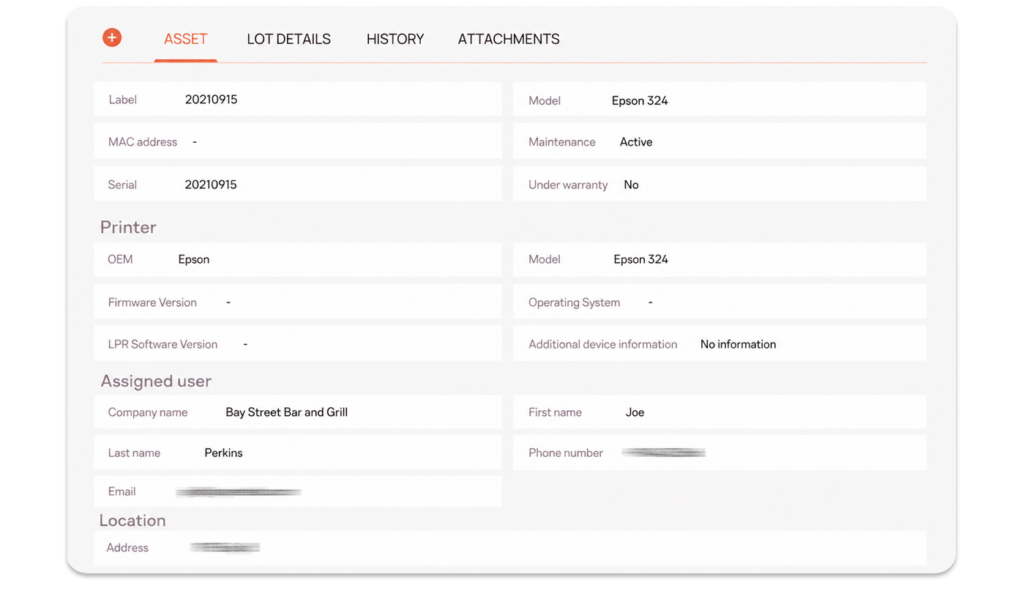
Tickets are created automatically for scheduled and forecasted maintenance. Time- and usage-based rules cover routine preventive work, while AI-driven predictive maintenance turns early equipment signals into planned service before downtime begins.
Ticket import
Ticket import
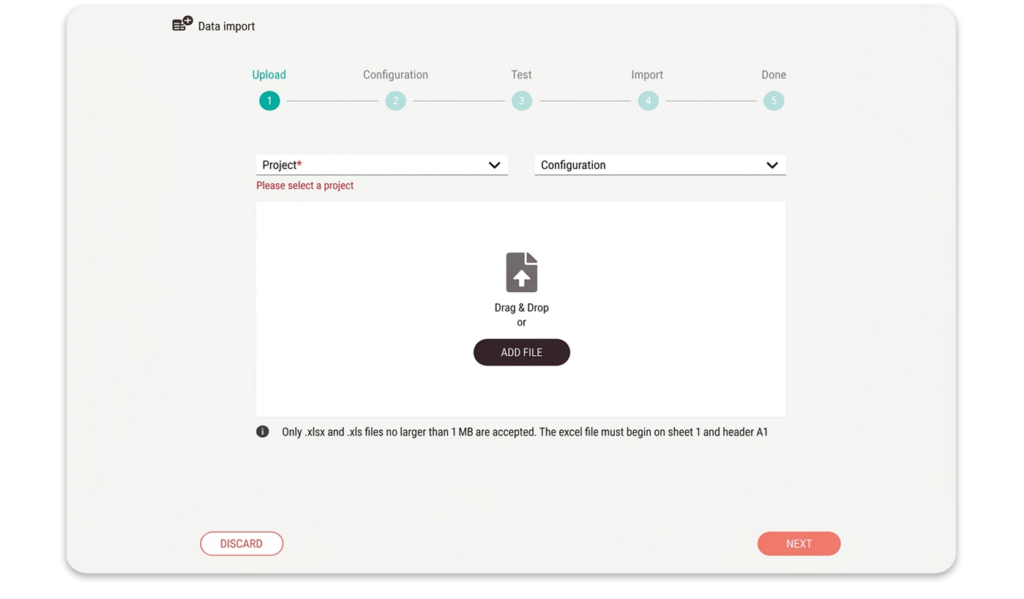
Import work orders and job information from any system. Fieldcode syncs every detail automatically- job history, contacts, contact attempts, and updates – so your team works with complete, up-to-date information.
Custom lists
Custom lists
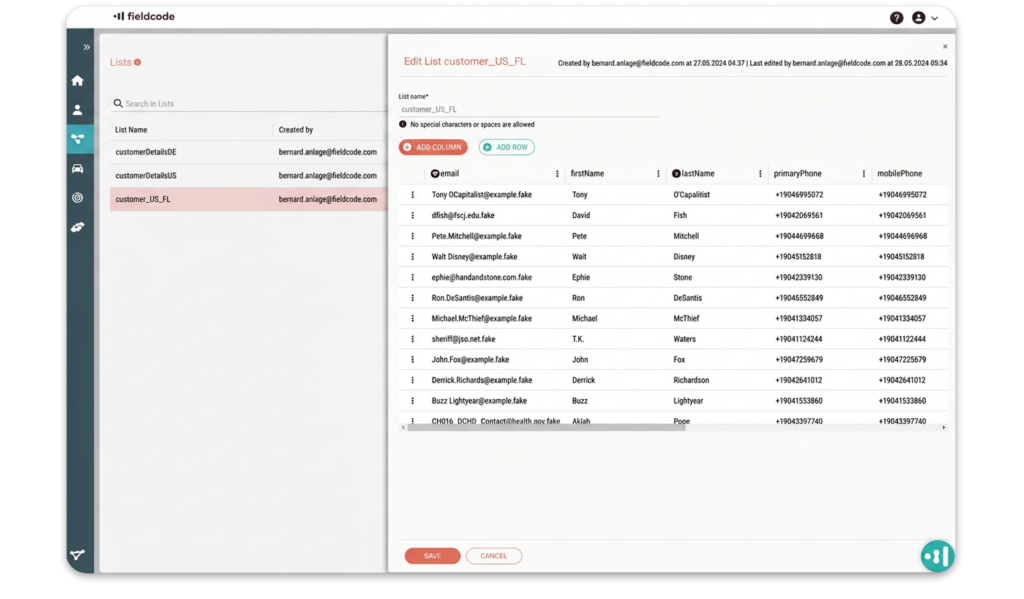
Data entry takes care of itself. Reusable lists for sites, devices, addresses, or custom lists speed up ticket creation and eliminate errors – keeping every job consistent from the start.
LEARN MORE
Zero-Touch FSM ticket preparation
AI LLM action
AI LLM action
Turn ticket data into clear next steps. AI workflow actions automatically summarize notes, translate fields, clean up messy data, and help move cases toward validation, spare parts, scheduling, or escalation — without copy-paste.
LEARN MORE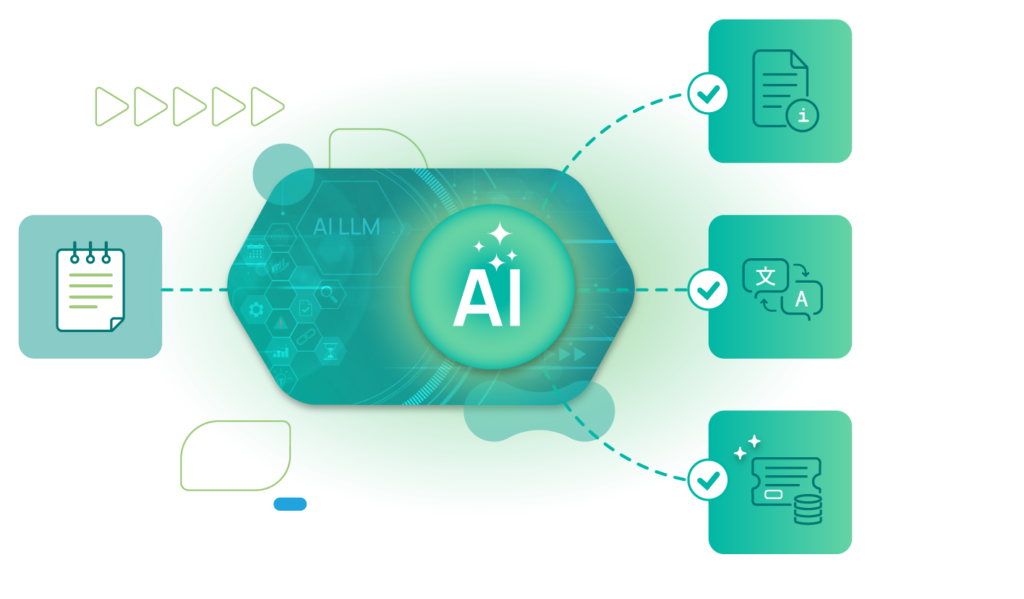
Workflow designer
Workflow designer
Tickets pass through preparation automatically with predefined steps like validations, part checks, or approvals. Set the rules once, so tickets follow the right process every time, automatically. Customize any process and apply it across any stage of service.
LEARN MORE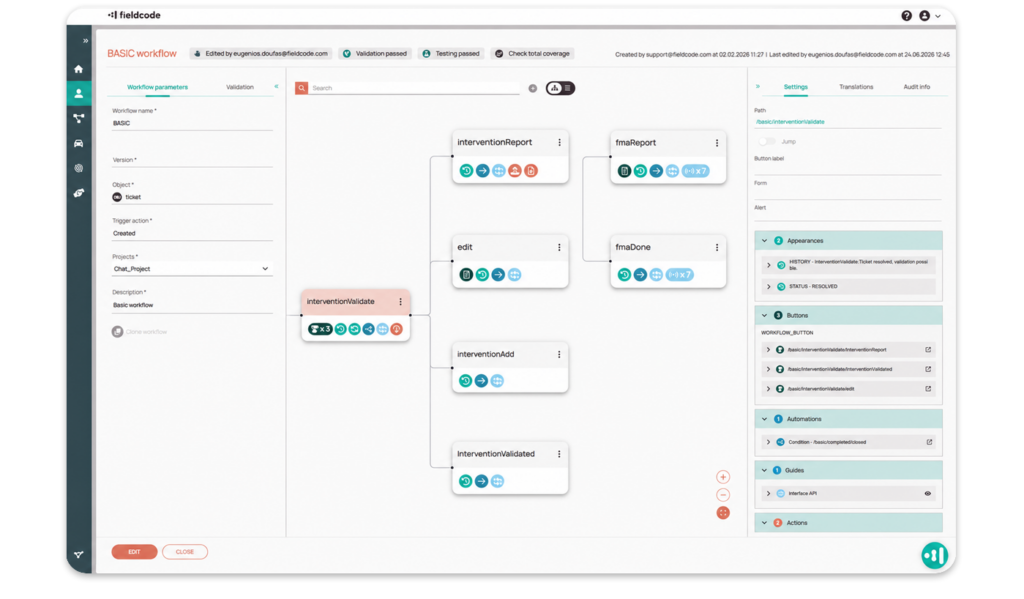
Forms designer
Forms designer
Teams collect exactly what’s needed on-site without extra paperwork. Create custom fields for checklists, equipment types, photos, or signature approvals – so tickets, work orders, and reports always include the required details and nothing gets missed.
LEARN MORE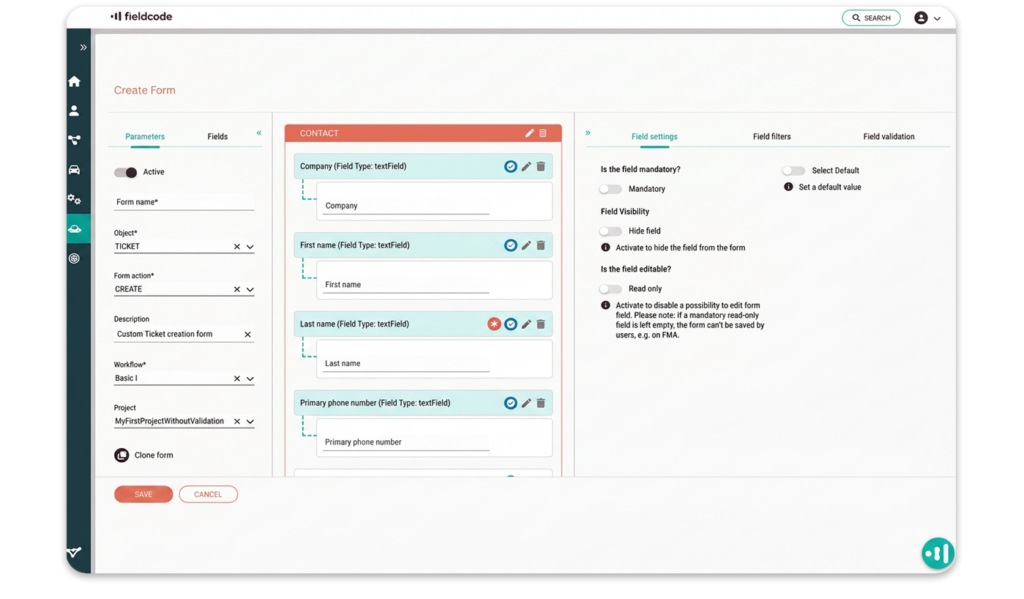
Parts and returns
Parts and returns
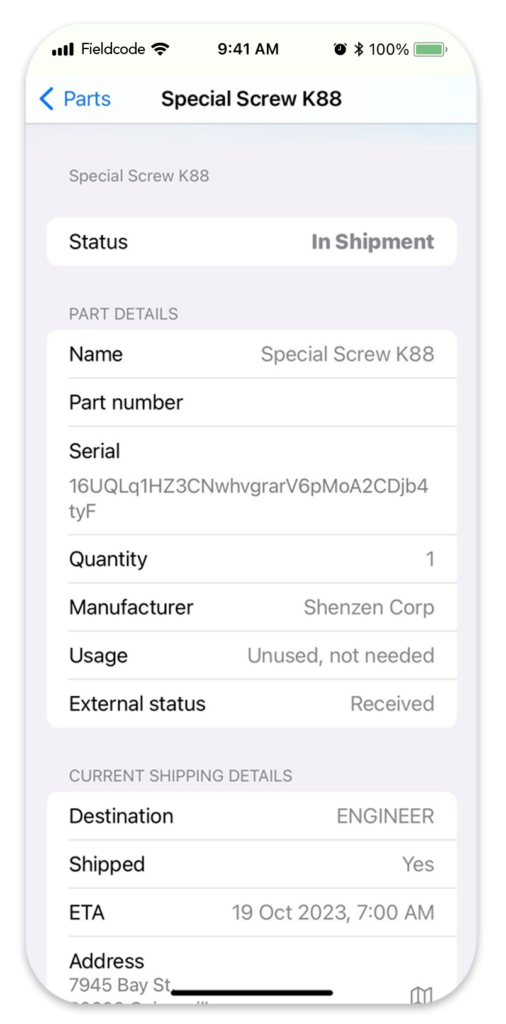
Spare part deliveries and returns are monitored automatically. Pick-ups and drop-offs (PUDO) are scheduled into the plan automatically, so everything is ready before the job starts and technicians arrive with what they need.
Ticket communication
Ticket communication
Everyone stays aligned. Updates are shared in real time and logged automatically, so actions are visible and confirmed without extra follow-up.
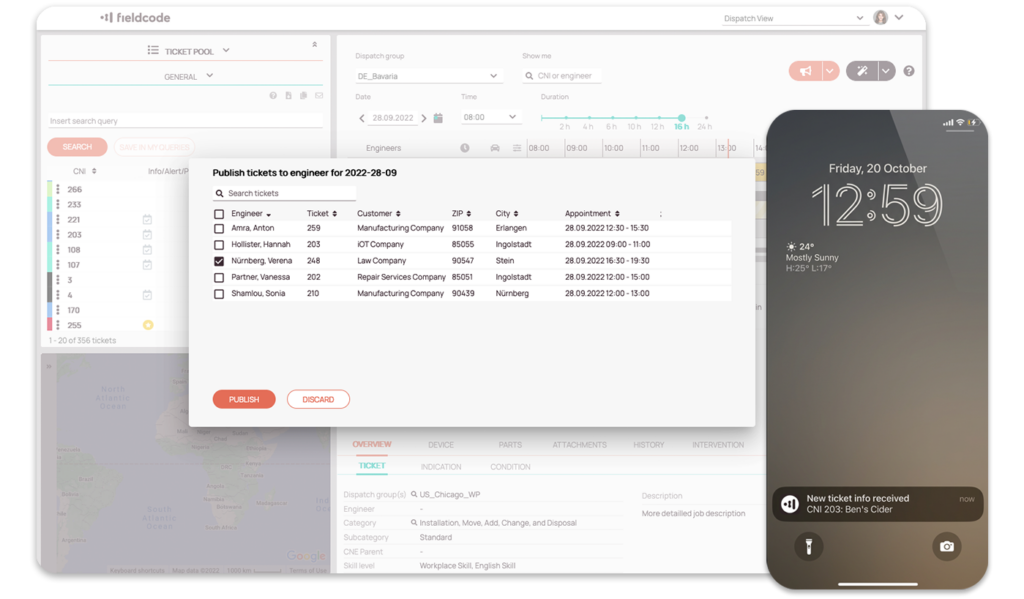
Zero-Touch FSM monitoring
Customer portal
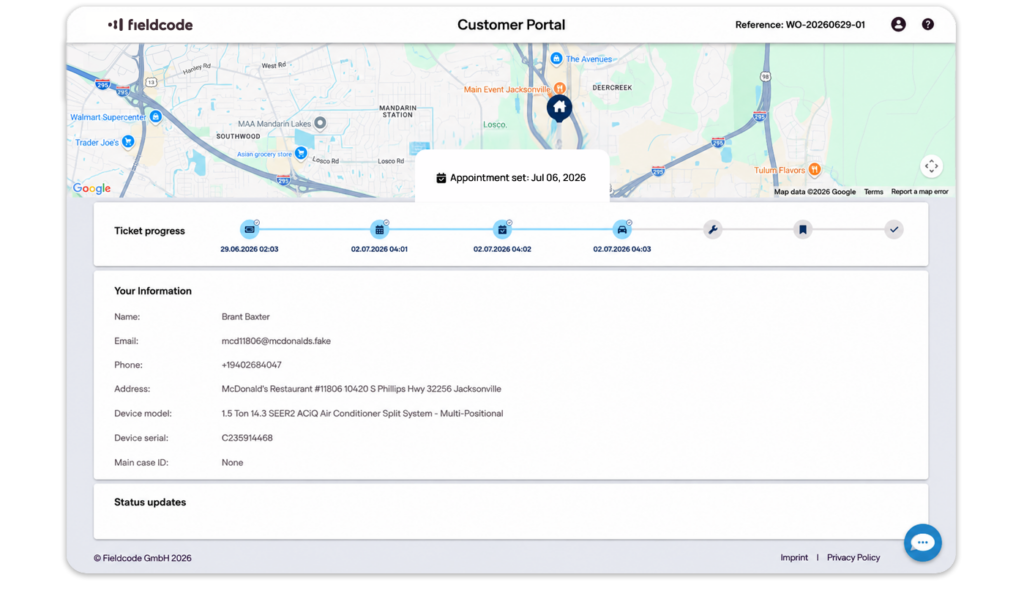
Customer portal
Customers stay updated automatically. Appointment changes, ETA, and job progress are sent by email, SMS, or by a live tracking link – no callbacks or manual follow-up needed.
Asset tracking
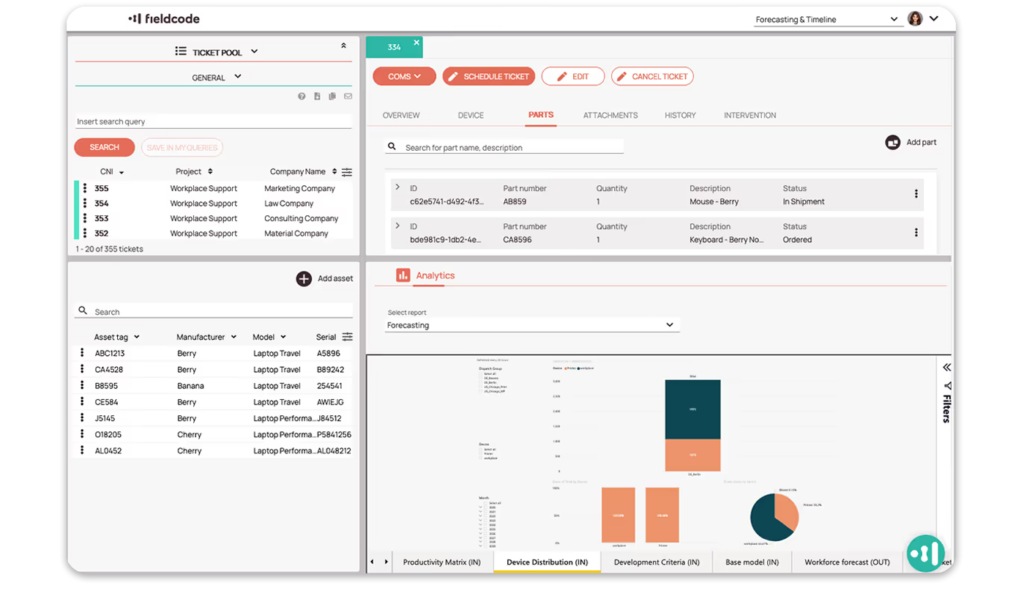
Asset tracking
Assets link directly to tickets and generate assignments or maintenance tasks automatically, so technicians always arrive prepared with the right resources.
Need full asset lifecycle management?
Contractor management
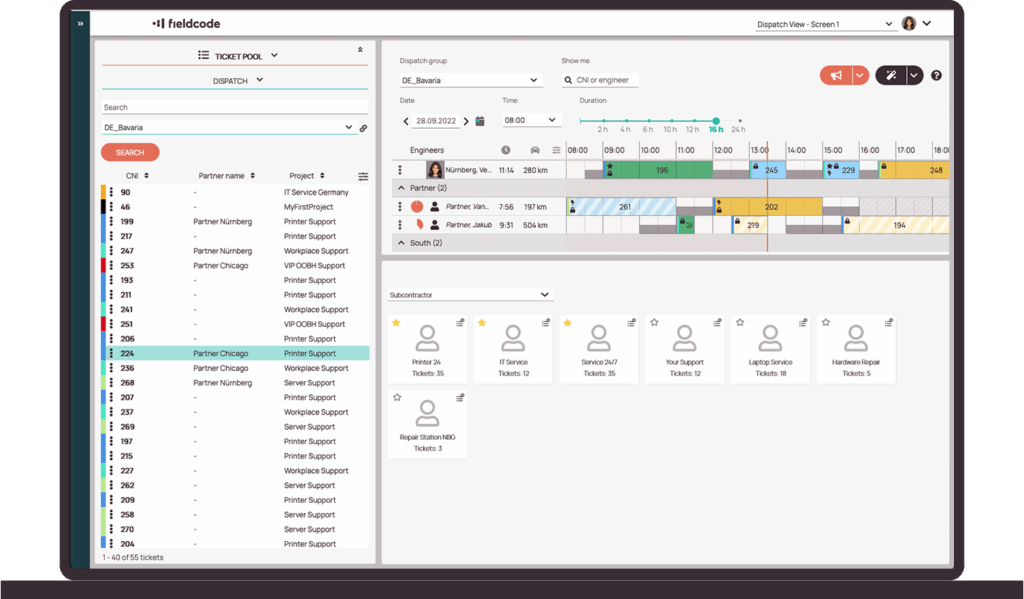
Contractor management
Work assigned to partners and subcontractors updates in the same system automatically, keeping progress transparent and service quality consistent.
Analytics dashboards
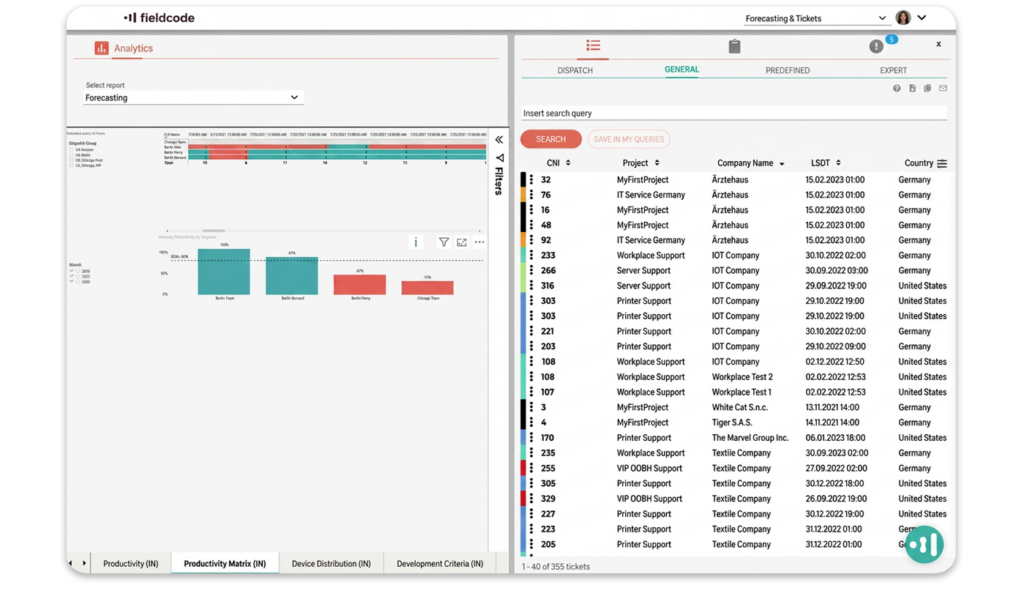
Analytics dashboards
KPIs and performance metrics refresh automatically in real time, from company-wide views down to engineer-level details.
Forecast reporting
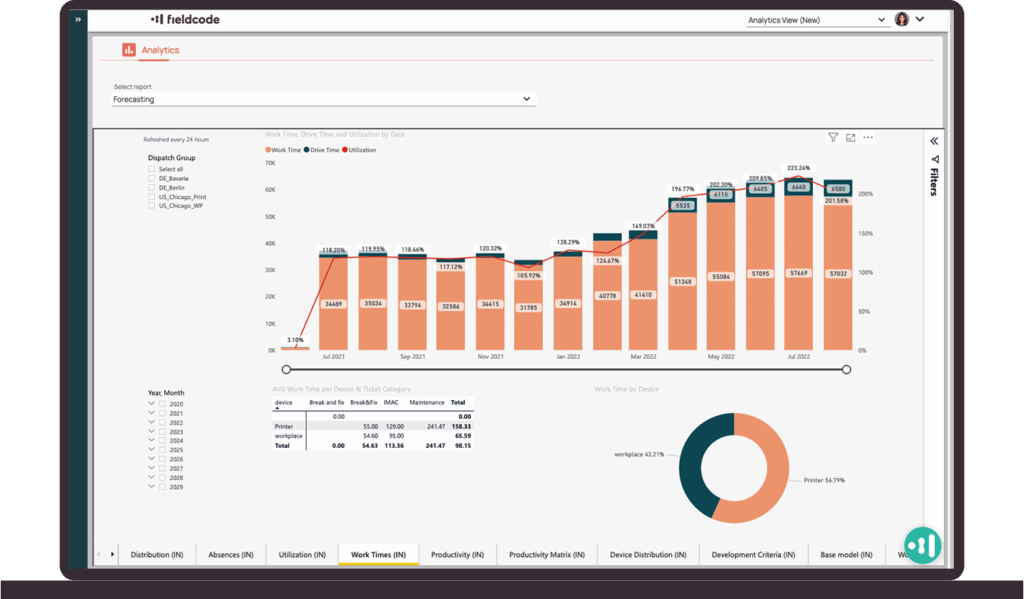
AI-based forecast reporting
AI-based forecasts analyze service trends by team, location, and time period to show where demand is likely to rise. Teams can plan capacity earlier without building reports manually.
Learn more
Fieldcode has been named a Representative Vendor in the 2026 Gartner® Market Guide for Field Service Management


Mastering Fieldcode features
Find the complete overview of our features and how each feature works in the Fieldcode Manual. Our clear guides make mastering each feature easy.
Explore manual